

30
66
【 About Good Prompt Engineering - Pt. VI 】
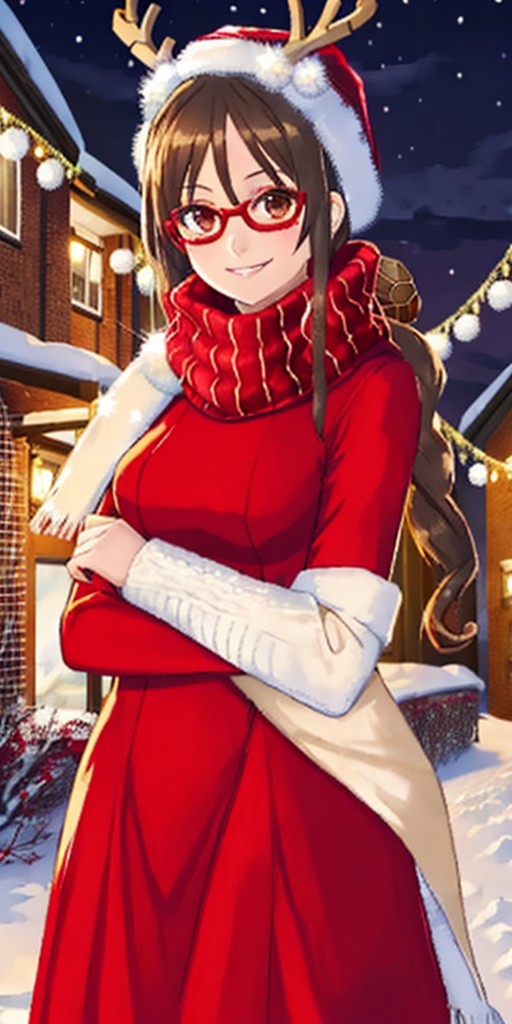
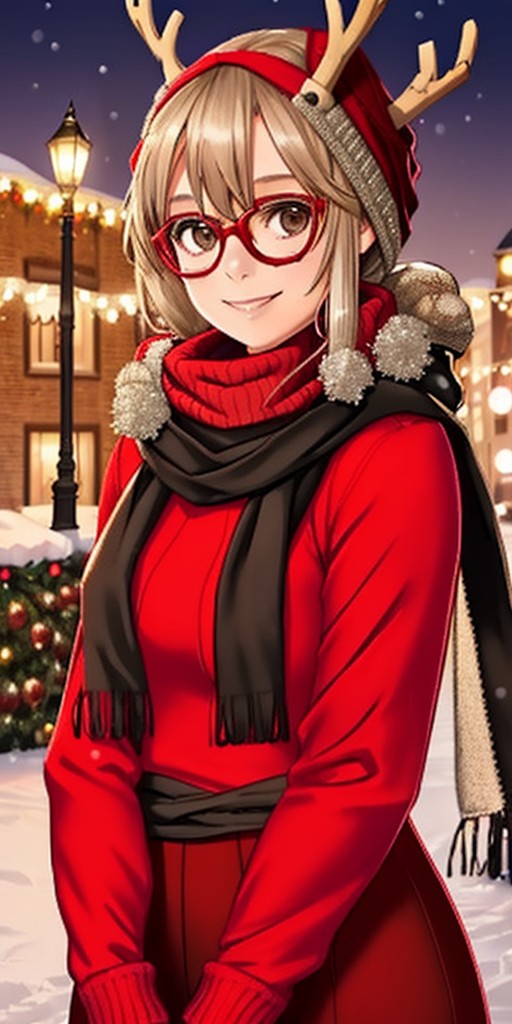
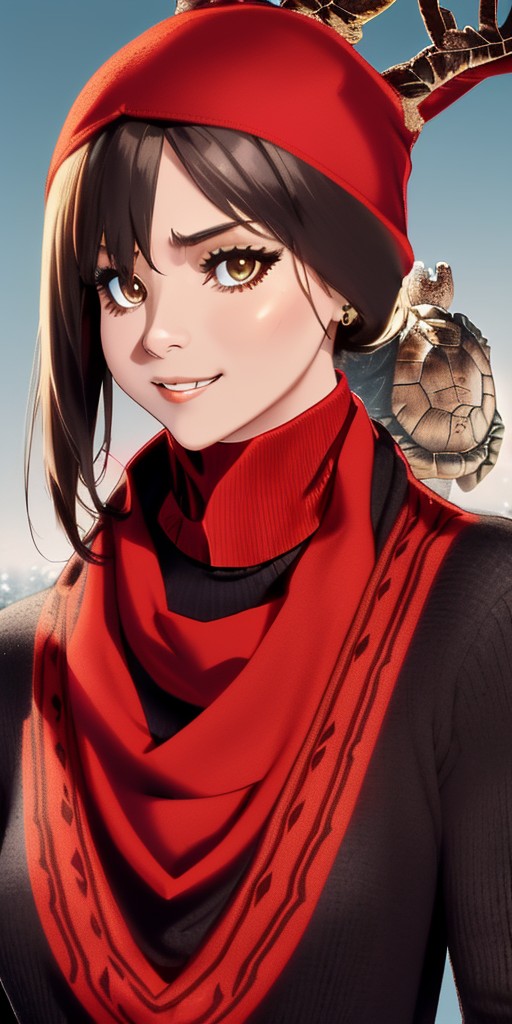
Okay, you've followed my guide this far and then you start getting results like images 1 to 4. Could it be because you didn't use (masterpiece, 4k, absures, ultra super amazing hyper Yodayo quality noise prompt)?
Well... No... 🤣🤣🤣 It's hard to explain in just 2048 characters, but if ADHD lets me, I can... 😅😅😅
Your prompt can sometimes be beautiful, perfect, but the result isn't good, why? Basically 3 reasons: 1 - Yodayo is having a generation problem; 2 - What you want can't be done in SD; 3 - The model you're using can't generate what you want.
How can you solve it? 1 - There's no way around it, you must wait for the server to restart or for the Yodayo team to fix the problem.
2 - Here you have an option, try SDXL. Unfortunately, Yodayo still has few XL options and XL itself is still in version 1, which means it's not fully developed compared to SD, which is in version 1.5.
3 - This one is easy to solve. Images 1 to 4, I used models created by the incredible "br_d". He only trained SOME OF THE BEST MODELS, like Break Domain, Blazing Drive and Break Domain XL. I love these models, but they have some problems that I know how to exploit and avoid, hehehe. So, the generations weren't great. And the problem isn't the prompt. It's just a model incompatibility. It's good to get to know the models so you know which one best suit your prompt style.
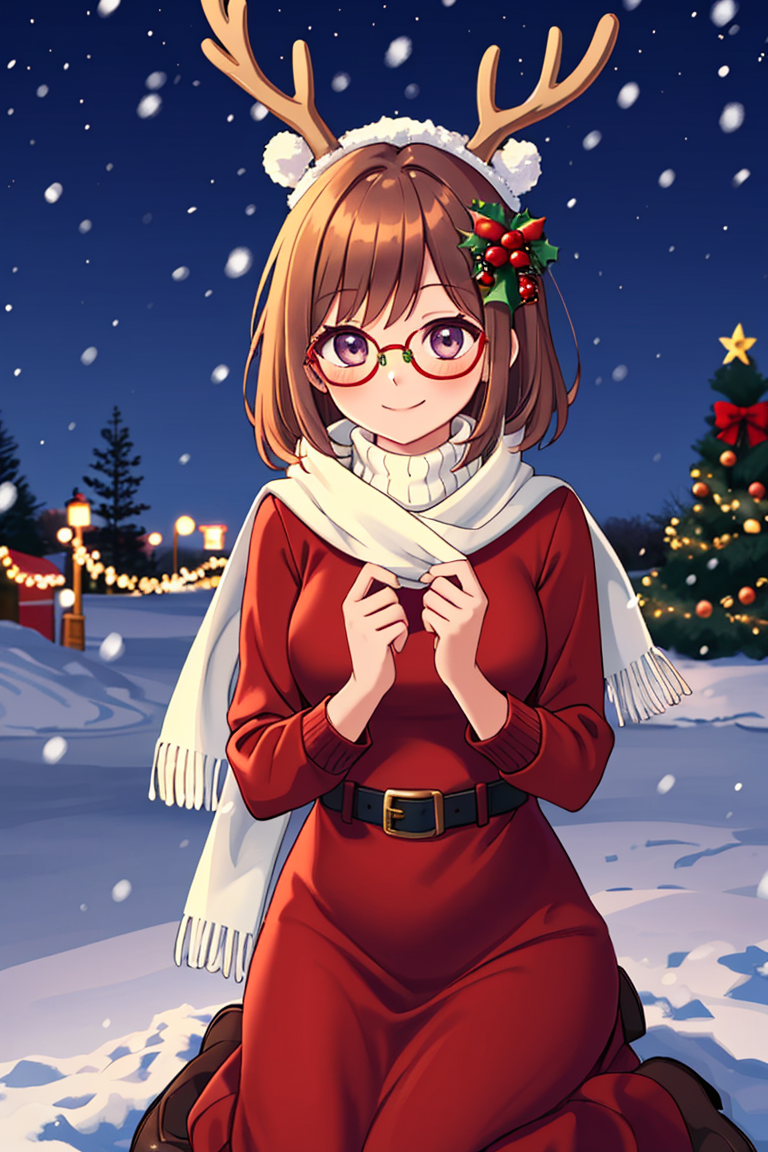
In the last image, I used my ONE FOR ALL «Kawaii» model. Same prompt, same configuration and very different results.
So don't get upset, the problem is NOT YOU, diverse, explore, shout!!! 🥰🥰🥰
Due to the 2k character limits per post, to see all 10 parts of the guide about prompts, go to my profile: https://yodayo.com/posts/01a5e690-eabf-45cc-8309-4d0f931b7178/
Sampling Method
DPM++ SDE Karras
Sampling Steps
50
CFG Scale
10
Seed
3656783396
Canvas Size
512x1024