
42
125
【 About Good Prompt Engineering - Pt. IX 】
Okay, first of all, here on Yodayo, LoRA is called Spells (don't ask me why).
But what is LoRA? LoRA (Low-Rank Adaptation) is a training technique used to adjust models in Stable Diffusion. LoRA models can be used to generate high-quality images in a specific style or theme. They can be used to train the system on different concepts, such as characters or a specific style. These trained models can be exported and used by others in their own generations.
As you can see, using LoRA brings many benefits. But it's not all flowers, some LoRA have certain restrictions that can end up ruining your generation. Today, most LoRA are trained with 512 x 512 images, few LoRA use 678 x 678, rare ones use 768 x 768 and almost none use 1024 x 1024.
Why is this important? I've mentioned it before, but let me remind you. Stable Diffusion (SD) works with 512 x 512 blocks, which means that when you create an image larger than 512 x 512, SD will compose the image based on 512 x 512 blocks.
Let's take for example a widely used LoRA which is: <lora:beautiful_detailed_eyes:0.7> This LoRA has been trained on 512 x 512, so if you generate an image of 1024 x 768 for example and apply a (close up), there is a great risk that the eyes will be noisy. Why? Because you've overloaded the LoRA setting.
Another recurring problem is using zillions of LoRA in a single generation. Some models don't deal well with LoRA and some LoRA don't harmonize with others.
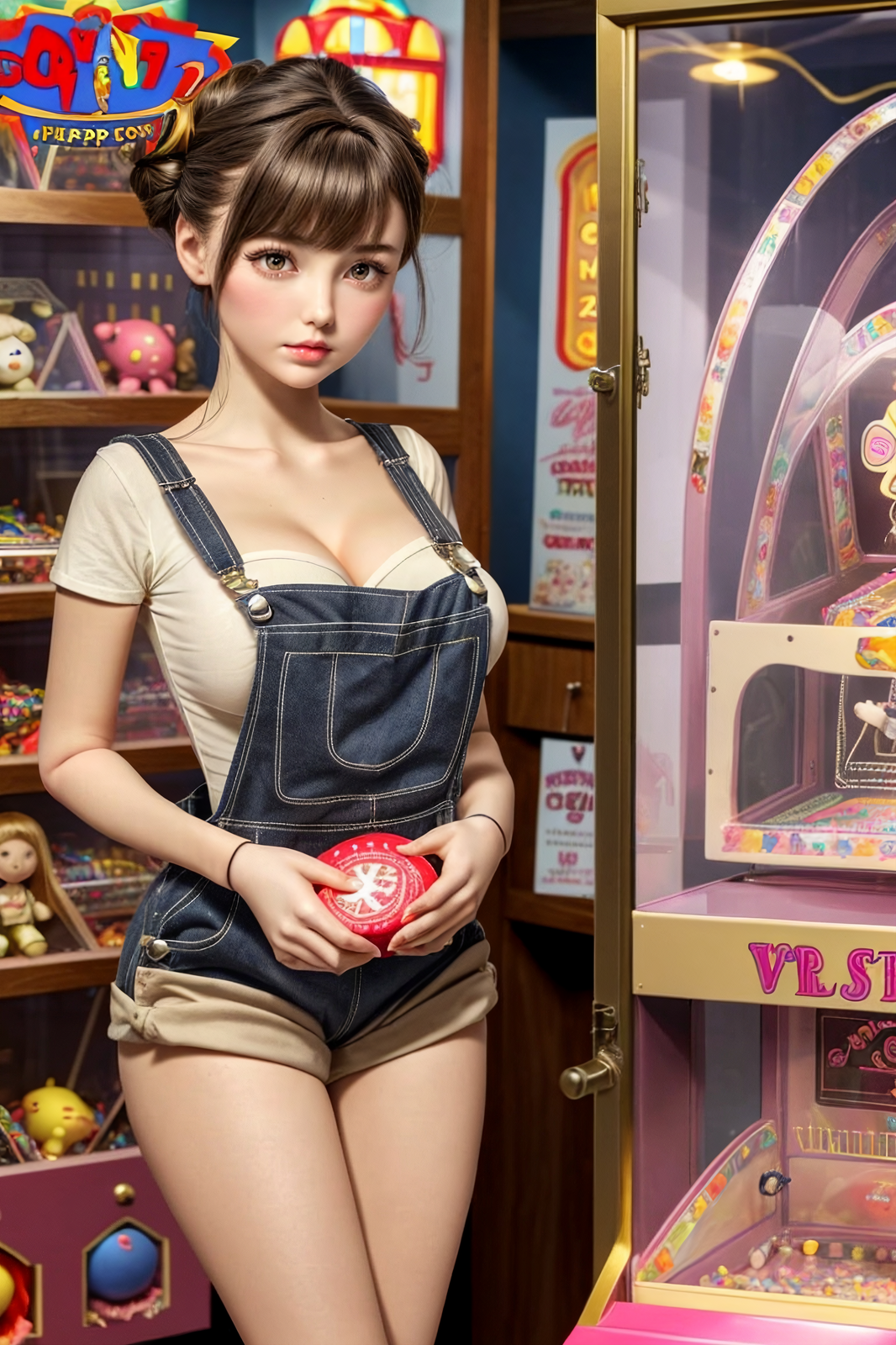
In this case, it's sometimes better to remove the LoRA and describe to the AI what you want. In this image, her original prompt had a LoRA for the girl's overalls. But when using a well-trained model, I don't need the LoRA.
In other situations, LoRA can be sorely missed, such as when generating an image with a specific character. There's no way around it, the only way to get the exact character is with LoRA.
Due to the 2k character limits per post, to see all 10 parts of the guide about prompts, go to my profile: https://yodayo.com/posts/01a5e690-eabf-45cc-8309-4d0f931b7178/