28
63
Simple tavern character art guide
This is a reference of everything I've learned about making character art. Kinda made it for myself, so it might not look the best.
The first thing to consider when making art is the format. The format should be optimized for mobile devices, as they account for ~95% of the users.
There are three ways to create art:
-
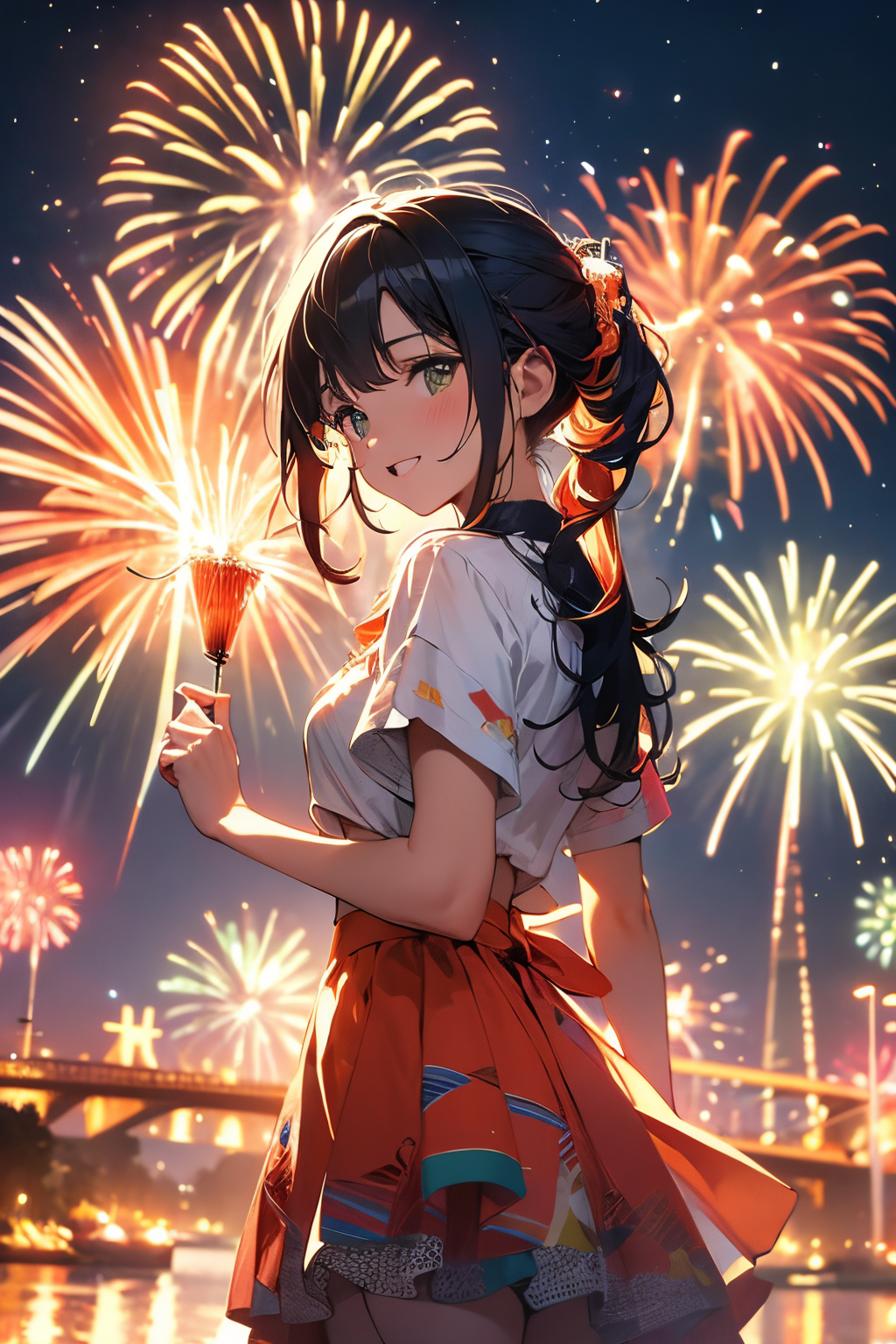
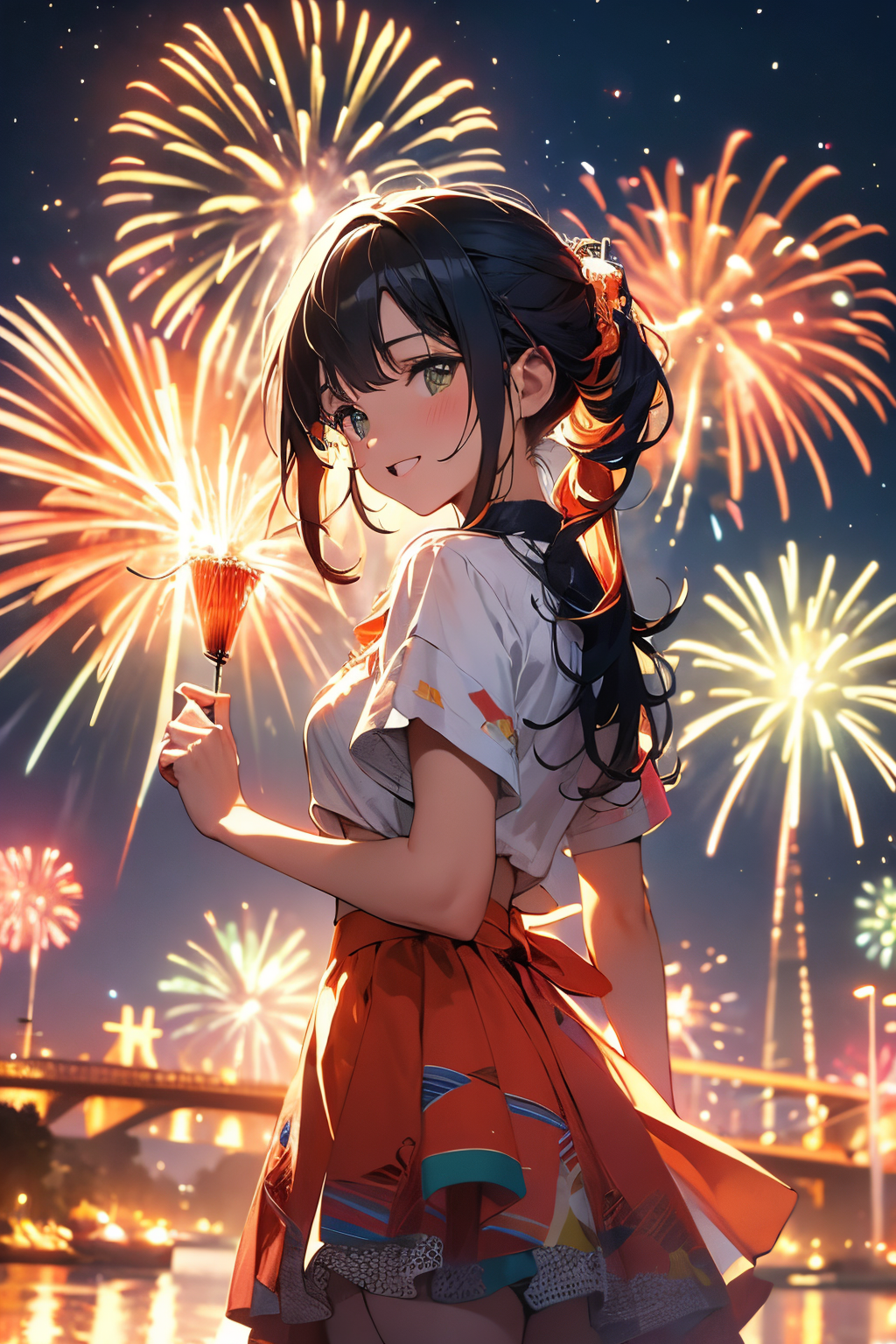
Normal portrait: This is the simplest way. Create a character with a torso and a centered view, and add a background blur to focus on the subject. Don't spend too much time trying to get a different pose if your character is not popular. All the visual information should be in the top half of the screen, otherwise it will be covered by the text.
-
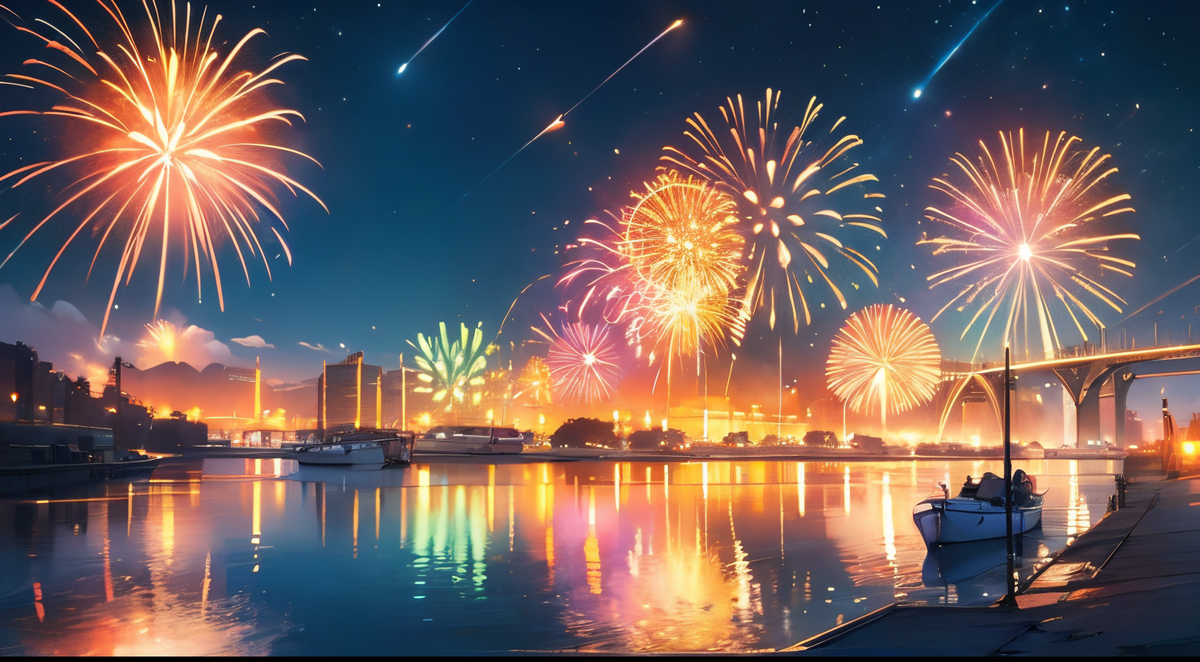
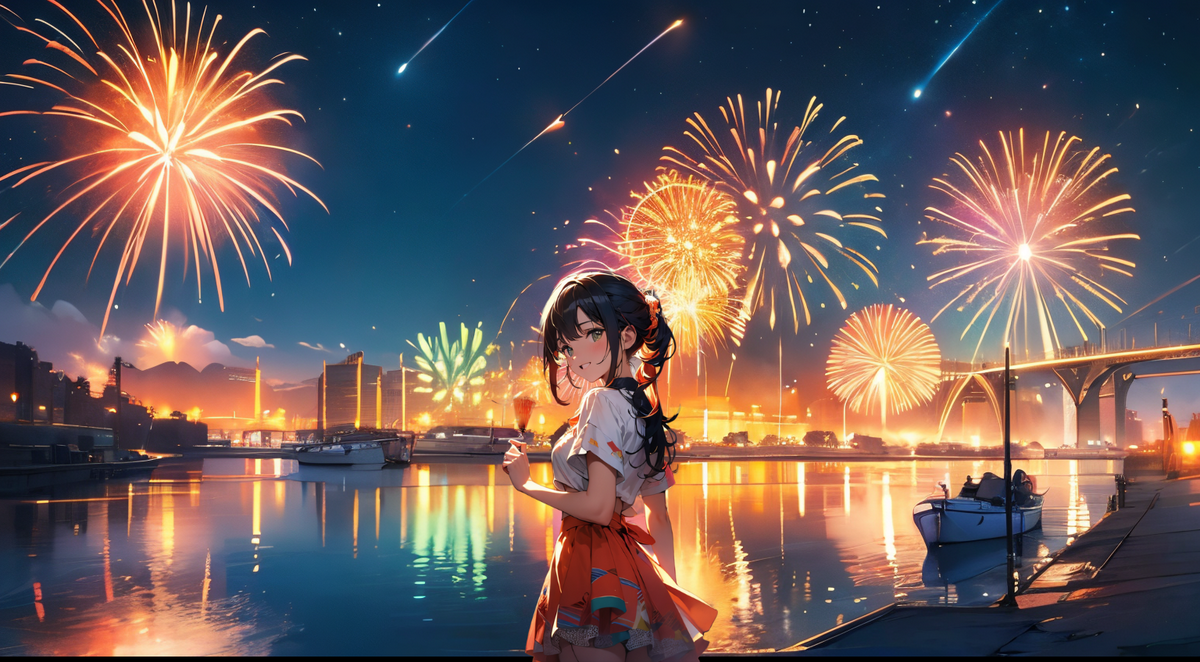
Large landscape: This is not recommended, as it does not look good on mobile or PC. It follows the same rules as the normal portrait, but with a wider aspect ratio.
-
Advanced: This is the most challenging way. It combines the normal portrait and the large landscape, but it requires more skill and effort. You have to use the rules of the normal portrait and then add a background that matches the angle of view of your character art. This may take several tries to get right. The main problems that occur when using advanced art are the art being cut off or the background not being fully removed. To solve these problems, you can use an image extender such as Fotor and download the HD version with the watermark. For background removal, you can use photoroom.com. Other tips:
If you still can't get the desired position in advanced mode, you can use image to image on your art if you have some basic knowledge of anatomy. After a few iterations, you can adjust the lighting. I have an example of this on my account.
When finished the character, make sure all the lighting makes sense. Does the light hit the characters face from the right or left? Use a free online image flipper to get rid of this. Does lighting and tint match? If not, use befunky.com to adjust it all for free.
If anyone wants, I'll make a second post for a formatted shell for image gen.