How to Transform Any Video With AI Using Video-to-Video Generation
0
2
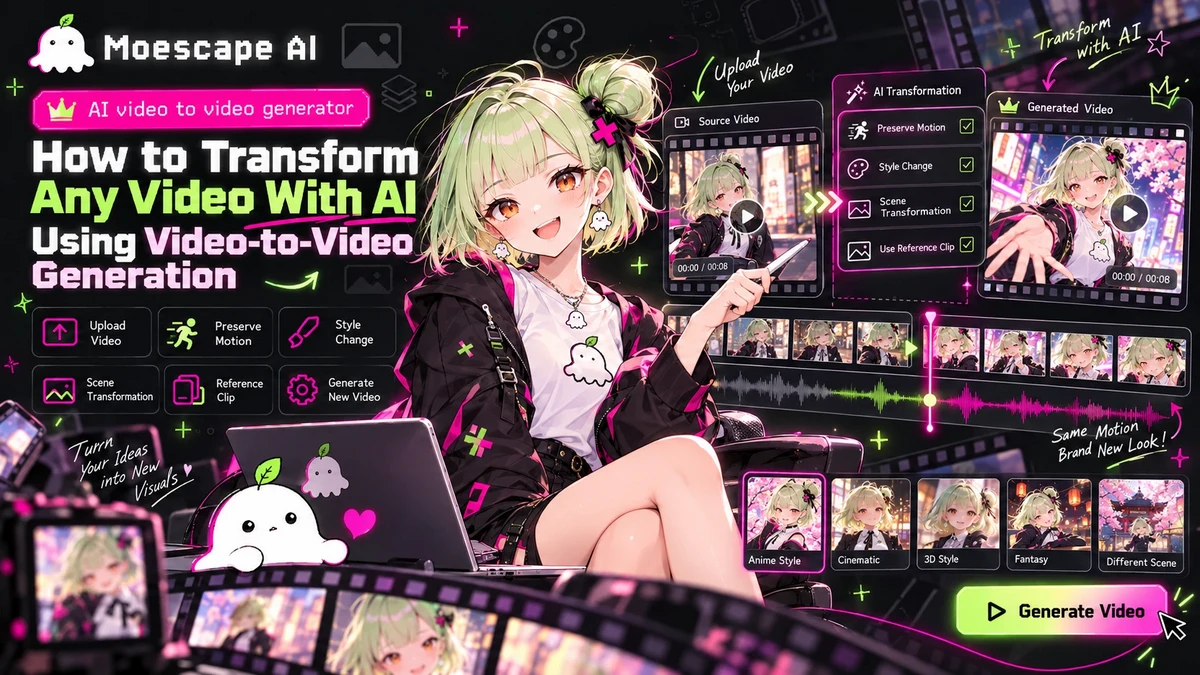
Video-to-video generation gives creators a new way to work with footage they already have. Instead of generating a scene from nothing, a creator can use an existing clip as the motion and timing reference, then ask AI to reinterpret the people, styling, environment, objects, or overall visual direction. For anyone searching for an AI video to video generator, this workflow is useful because it combines the structure of a real video with the flexibility of generative AI. What Video-to-Video Generation Does A source video already contains motion, framing, pacing, body language, and camera behavior. Video-to-video generation uses that structure as a foundation while changing selected visual elements. Depending on the creative goal, the output can restyle the entire clip, replace a character, transform clothing, change the environment, introduce new objects, or shift the scene into a different visual world. The creator is not asking AI to invent every movement. Instead, the source clip provides a strong motion reference while the prompt and additional images define what should change. Start With a Clear Reference Video The quality of the source footage matters. A reference clip with readable movement, stable framing, and a visible subject gives the model clearer information to work with. Complicated camera cuts, heavy motion blur, or frequent occlusion can make transformations harder to keep visually consistent. When possible, choose a clip where the main person or object remains visible throughout the important moments. If the goal is a character replacement, a full or three-quarter body shot often provides more information than a tightly cropped face shot. Guide the Transformation With Images and Text A strong workflow combines the reference video with clear visual references and a specific prompt. For example, a creator might provide images of a character, an outfit, a prop, or a product and instruct the system to replace corresponding elements in the video while preserving the original motion and camera angle. The prompt should separate what must stay consistent from what should change. Useful instructions can define the subject identity, clothing, environment, art style, lighting, camera behavior, and objects that need to remain visible. Clear constraints help the AI understand that the goal is a controlled transformation rather than a completely new scene. Use Moescape AI for Character-Centered Transformations Moescape AI is especially well suited to workflows where a creator already has character images or visual references. A character can first be created or refined with image-generation tools, then used as the visual identity for a video transformation. This is useful for AI cosplay, anime-inspired edits, roleplay characters, original characters, and branded creative content. Because image and video creation exist within the same broader platform, creators can build the reference assets they need before moving into video generation. Refine for Consistency The first output should be treated as a creative draft. Review the face, hands, clothing, props, background, and transitions between frames. If the character identity drifts, use clearer reference images. If the environment changes too much, make the preservation instructions more explicit. If the movement feels unnatural, simplify the transformation or start from a cleaner source clip. Small prompt changes can improve consistency significantly. A More Practical Way to Reimagine Existing Footage An AI video to video generator is most powerful when it is used as a transformation tool rather than a simple filter. With a strong source clip, clear reference images, and precise instructions, creators can reuse motion while building an entirely new visual concept around it. Moescape AI brings this workflow together with image creation and character-focused tools, making it easier to turn ordinary footage into stylized, cinematic, anime-inspired, or character-driven video content.